





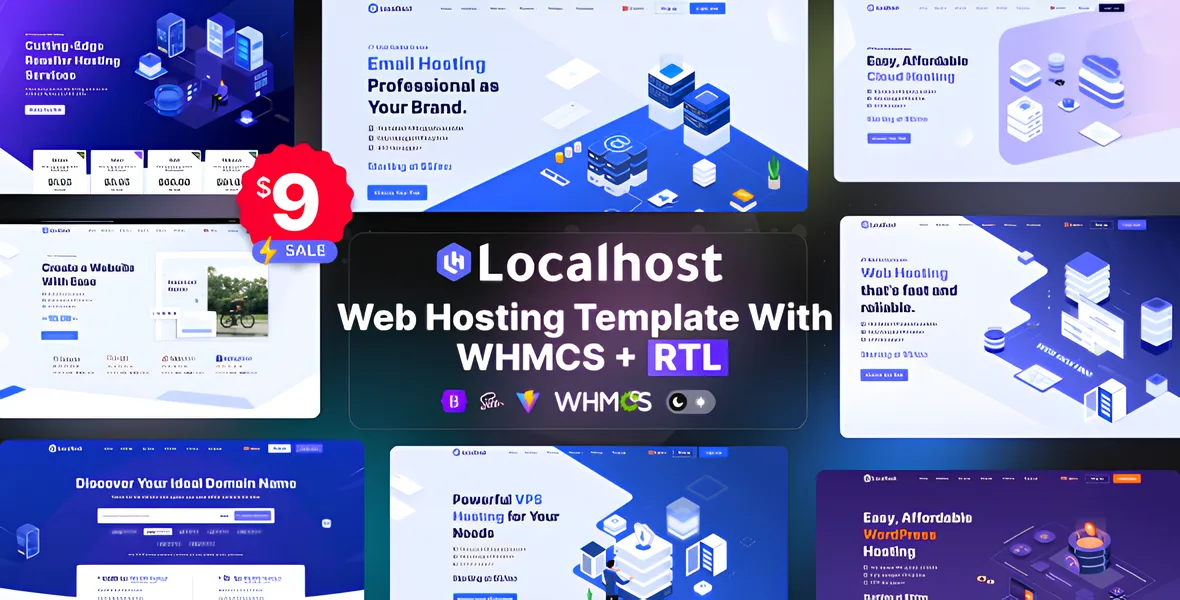
The Localhost - Web Hosting Template with WHMCS + RTL is a comprehensive and highly functional website solution designed specifically for web hosting providers. This template offers a professional and modern design that can be easily customized to match the branding and requirements of any hosting business. Built with a focus on usability and aesthetics, it ensures that visitors can easily navigate through various hosting plans, services, and features, thereby enhancing user experience and increasing conversion rates. The template is optimized to be fully responsive, ensuring that the website looks stunning and functions flawlessly across all devices, from desktops to smartphones.
One of the standout features of this template is its seamless integration with WHMCS, the leading billing and automation platform for hosting companies. This integration allows hosting providers to automate critical processes such as client registration, order management, invoicing, domain registration, and support ticketing directly from the website. This not only streamlines operations but also provides customers with a smooth, hassle-free experience when purchasing hosting plans or managing their accounts. Additionally, the template supports RTL (Right-to-Left) languages, making it suitable for markets where languages like Arabic, Hebrew, or Persian are prevalent, thereby expanding the reach of hosting providers to a global audience.
Designed to be tested and customized in a localhost environment, this template provides developers and business owners with a safe and flexible space to make adjustments before going live. It includes multiple pre-designed pages for shared hosting, VPS, dedicated servers, and reseller hosting, along with features like blogs, contact forms, and client login areas. With its clean code, easy-to-understand structure, and extensive documentation, the template simplifies the process of customization and deployment. Overall, this solution offers a perfect blend of functionality, design, and flexibility, making it an ideal choice for any web hosting business looking to establish a professional online presence with multilingual support.
Localhost Web Hosting Template Features
Fully responsive layout (mobile-friendly)
Built with Bootstrap 5.x
Dark & Light mode switcher
RTL support for Arabic & other right-to-left languages
WHMCS template included (latest version supported)
Clean & professional code (easy to customize)
Cross-browser compatible
SEO-friendly structure
Well-documented for easy setup
Responsive Design
WHMCS Integration for Billing & Automation
Multiple Homepage Layouts
Pre-designed Hosting Service Pages (Shared, VPS, Dedicated, Reseller, Cloud)
One-Click Demo Import
Customizable Color Schemes
Easy Font Customization
Modern & Clean UI Design
Mobile-Friendly & Retina-Ready
Client Login & Registration Pages
Order & Checkout Pages
Pricing Tables & Plans Comparison
Blog & News Sections for Updates & Announcements
Contact & Support Forms
Live Chat Integration
SEO-Optimized Structure
Fast Loading & Performance-Optimized
Cross-Browser Compatibility
Custom Widgets & Shortcodes
Easy Page Builder Compatibility
Multiple Inner Pages (About Us, FAQs, Terms & Conditions)
Client Area Management
Domain Search & Registration
Automated Order Processing
Invoice & Payment Management
Support Ticket System Integration
Newsletter Subscription Integration
Social Media Icons & Links
Unlimited Color Options
Well-Commented & Organized Code
Documentation & User Guide Included
Localhost Testing Environment Setup
Easy Customization with No Coding Required
Compatible with Popular Browsers (Chrome, Firefox, Edge, Safari)
Secure & Valid HTML5 & CSS3 Code
Image and Icon Font Support
Regular Updates & Support (if supported by the provider)
Flexible Layout Structure
Optimized for High Performance & SEO
Built-in Analytics & Tracking Integration
Easy Integration with Additional Plugins
Complete Demo Content Files for Quick Setup
Download Localhost Web Hosting Template
Theme Price : $5
Purchase from : codesome.net
Create an account or sign in to leave a review
There are no reviews to display.