





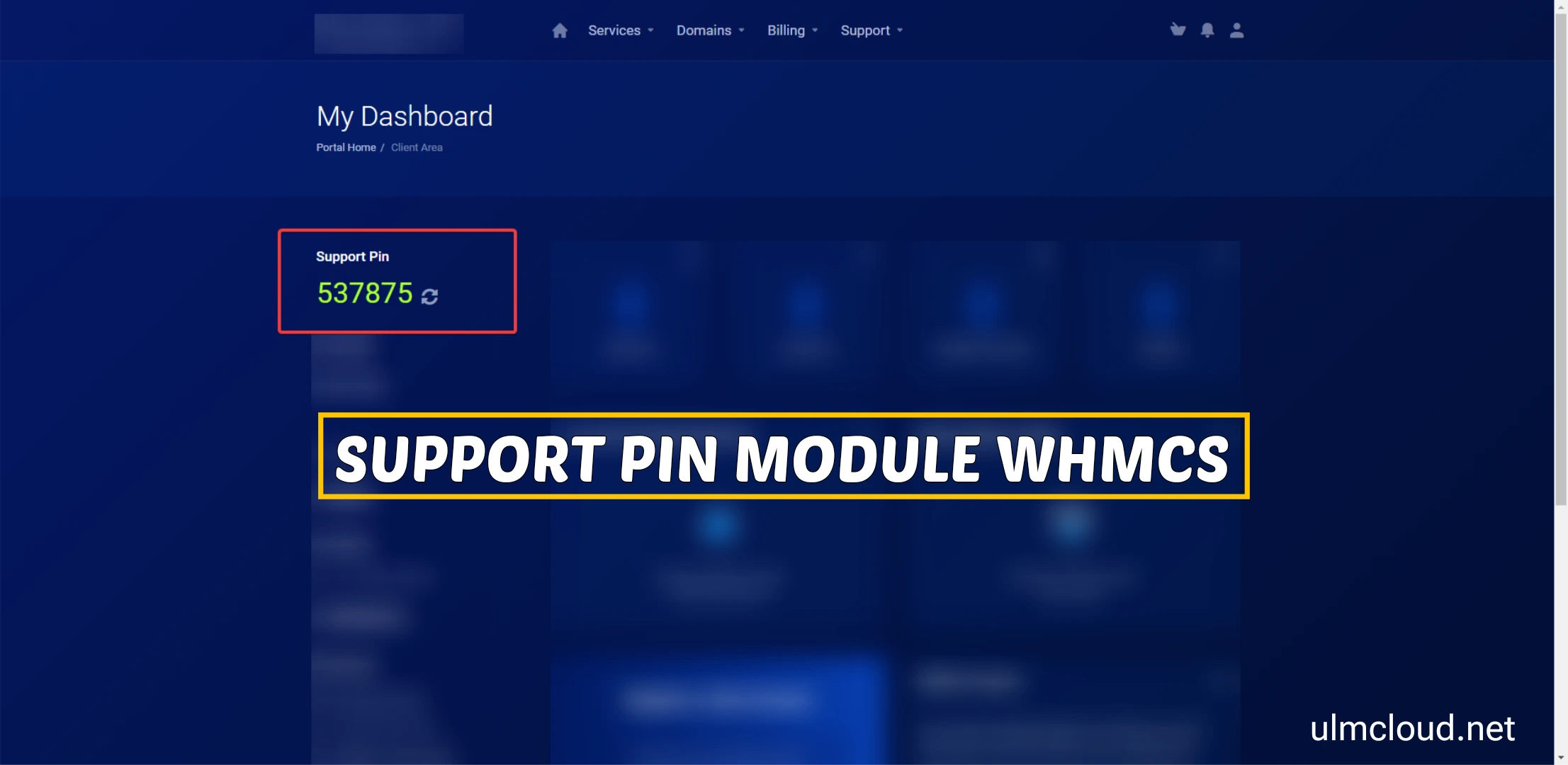
Support PIN for WHMCS is a security feature used to verify the identity of a client or user when requesting support or assistance from the hosting provider or support team. It acts as a unique, temporary code that helps prevent unauthorized access or support requests, ensuring that only the legitimate account owner can receive assistance.
Long Description:The Support PIN in WHMCS is a security measure designed to enhance the protection of client accounts during support interactions. When a client contacts support, they may be required to provide their Support PIN to verify their identity. This PIN is typically a unique, randomly generated code that is assigned to the client account within the WHMCS system. The Support PIN can be used for various support-related activities, including password resets, billing inquiries, or technical assistance, providing an additional layer of security beyond just login credentials.
Support PINs are especially useful in situations where verifying identity through email or other methods may not be sufficient. By requiring the PIN, support staff can confirm that the requester is the legitimate account owner, reducing the risk of fraudulent requests or account breaches. Clients can usually view or regenerate their Support PIN within their client area in WHMCS, ensuring they have control over their security credentials.
In summary, the Support PIN for WHMCS is a crucial security feature that helps protect client accounts during support interactions, ensuring that support services are provided securely and only to verified account holders.
Features of Support PIN for WHMCS
Enhanced Customer Verification : Adds an extra layer of security by verifying client identity during support requests, reducing unauthorized access risks.
Automatic Unique PIN Generation : Systematically generates a secure, random Support PIN for each client, ensuring uniqueness and unpredictability.
Client Self-Management Portal : Clients can easily view, regenerate, or update their Support PIN directly from their client area, maintaining control over their security credentials.
Support Interaction Security : Allows support staff to verify client identity quickly and securely by requesting the Support PIN during support sessions, including tickets or live chat.
Configurable PIN Settings : Administrators can customize PIN length, format, and validity period, tailoring security measures to organizational policies.
PIN Expiration and Validity Control : Supports setting expiration times for PINs, ensuring they are only valid for a specific period to enhance security.
Scheduled PIN Regeneration : Enables automatic regeneration of Support PINs at regular intervals or after specific actions to maintain ongoing security.
Multi-Language Support : Fully compatible with multiple languages, making it accessible to a global client base.
Email Notifications : Automatically sends email alerts to clients when their Support PIN is generated, regenerated, or updated, keeping them informed.
Audit and Activity Logging : Keeps detailed logs of all Support PIN activities, including generation, viewing, and verification attempts for security audits.
Seamless Support Ticket Integration : Integrates with WHMCS support ticket system, requiring PIN verification before sensitive support actions are performed.
Support for Multiple Support Channels : Works across various support channels such as tickets, live chat, and phone support for consistent security verification.
User-Friendly Interface : Provides an intuitive and easy-to-use interface for clients to manage their Support PINs without technical difficulties.
Security Best Practices : Designed following industry security standards, ensuring PINs are stored securely and transmitted safely.
Custom Messaging and Branding : Allows customization of instructions, notifications, and support messages related to Support PIN usage to align with branding.
Policy Enforcement : Administrators can enforce policies requiring PIN verification for specific actions or account types.
API Access for Developers : Offers API endpoints for custom integration with third-party systems or advanced workflows.
Multiple PIN Management Options : Supports options for single-use PINs, multiple PINs, or persistent PINs based on support process needs.
Compatibility with Support Modules : Fully compatible with WHMCS modules such as billing, automation, and support ticket systems.
Enhanced Security Compliance : Helps organizations meet security standards and best practices for customer data protection.
Create an account or sign in to leave a review
There are no reviews to display.